

External Secrets Operator (ESO) in Kubernetes
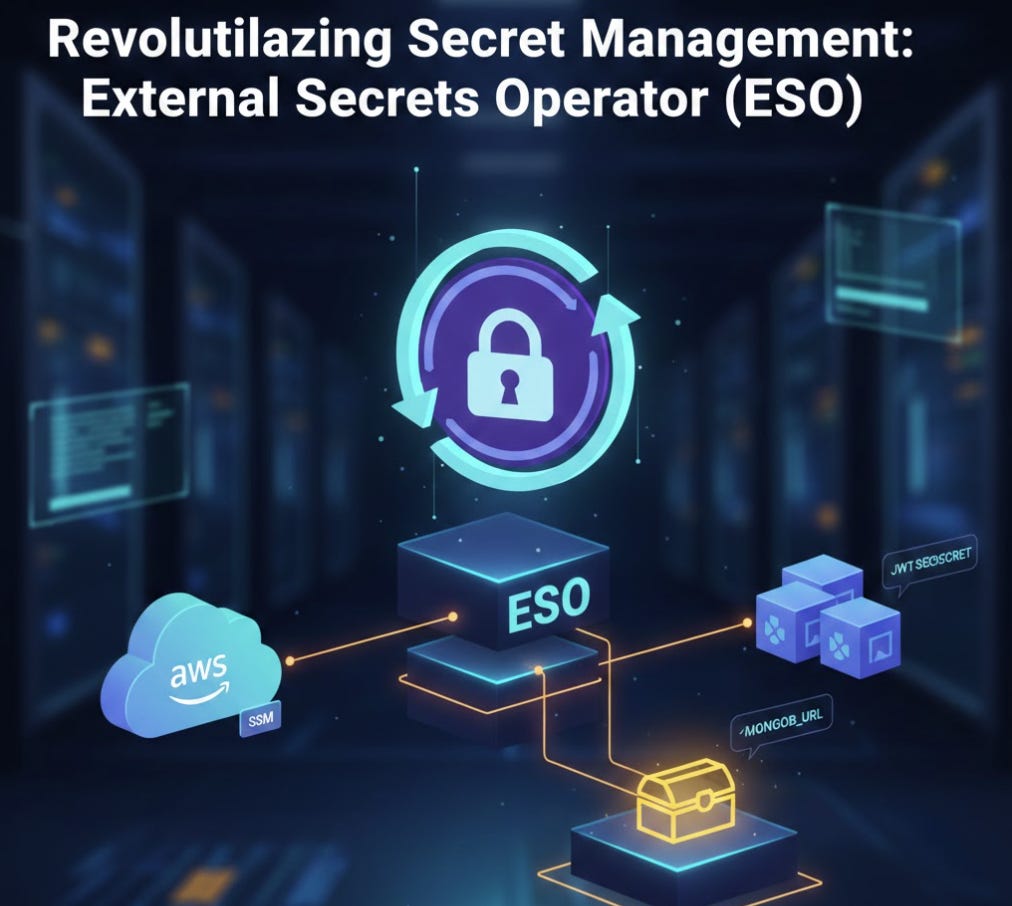
In modern cloud-native environments, managing sensitive data like database passwords or API keys can be a logistical nightmare. While Kubernetes has a native Secret object, it lacks a secure, automated way to pull those secrets from external vaults like AWS Secrets Manager or SSM Parameter Store.
This is where the External Secrets Operator (ESO) comes in.
What is External Secrets Operator (ESO)?
The External Secrets Operator (ESO) is a Kubernetes operator that integrates external secret management systems into Kubernetes. Instead of manually creating Kubernetes Secrets, you define where the secret lives in cloud provider (like AWS), and ESO automatically fetches it, synchronizes it, and injects it into cluster as a standard Kubernetes Secret.
How it Works:
Poll & Fetch: ESO monitors cloud provider (AWS, GCP, Azure, etc.) for changes to specific secrets.
Mapping: It uses a custom resource called a
ClusterSecretStoreto define how to connect to the cloud provider (e.g., using specific AWS regions and IAM roles).Synchronization: It creates a native Kubernetes
Secret. If you update the password in the AWS Console, ESO detects the change and updates the Kubernetes Secret automatically.
This example deployment uses a modular Terraform approach to set up ESO with EKS Pod Identity, which is the most secure way to grant permissions to pods without managing long-lived IAM keys.
Security First: IAM Roles and Policies
To implement the External Secrets Operator (ESO) with EKS Pod Identity, the configuration is spread across IAM roles, policies, and the Helm deployment.To allow ESO to “read” from AWS, we first create an IAM role with a trust policy specifically for EKS Pod Identity.
# IAM policy allowing ESO to read from Secrets Manager and SSM
resource "aws_iam_policy" "eso_secrets_policy" {
  name = "${var.cluster_name}-eso-secrets-policy"
  policy = jsonencode({
    Version = "2012-10-17"
    Statement = [
      {
        Effect = "Allow"
        Action = ["ssm:GetParameter", "ssm:GetParameters", "ssm:GetParametersByPath"]
        Resource = "arn:aws:ssm:${var.region}:${data.aws_caller_identity.current.account_id}:parameter/*"
      }
    ]
  })
}

# ESO IAM Role using Pod Identity trust policy
resource "aws_iam_role" "eso_role" {
  name = "${var.cluster_name}-eso-role"

  assume_role_policy = jsonencode({
    Version = "2012-10-17"
    Statement = [{
      Effect    = "Allow"
      Principal = { Service = "pods.eks.amazonaws.com" }
      Action    = ["sts:AssumeRole", "sts:TagSession"]
    }]
  })
}

# Attach the policy to the role
resource "aws_iam_role_policy_attachment" "eso_attach" {
  role       = aws_iam_role.eso_role.name
  policy_arn = aws_iam_policy.eso_secrets_policy.arn
}
EKS Pod Identity Association
This section links the IAM role to the specific Kubernetes ServiceAccount used by the operator. Note that the Pod Identity Agent must be installed as an EKS add-on for this to function.
# The Pod Identity Agent add-on must be active on the cluster
resource "aws_eks_addon" "pod_identity_agent" {
  cluster_name = var.cluster_name
  addon_name   = "eks-pod-identity-agent"
}

# Link the IAM role to the 'external-secrets' ServiceAccount in the 'external-secrets' namespace
resource "aws_eks_pod_identity_association" "eso_association" {
  cluster_name    = var.cluster_name
  namespace       = "external-secrets"
  service_account = "external-secrets"
  role_arn        = aws_iam_role.eso_role.arn
}
We use the aws_eks_pod_identity_association to link the IAM role we created to the specific external-secrets ServiceAccount in the Kubernetes cluster. This ensures that only the ESO pods have the permission to fetch secrets.The operator itself is deployed using the official Helm chart. We ensure that Custom Resource Definitions (CRDs) are installed so Kubernetes understands the new "ExternalSecret" objects.
Helm Deployment and Cluster Configuration
This code deploys the operator and configures the ClusterSecretStore to tell ESO to look in the AWS Parameter Store for secrets.
# Deploy ESO via Helm
resource "helm_release" "external_secrets" {
  name             = "external-secrets"
  repository       = "https://charts.external-secrets.io"
  chart            = "external-secrets"
  namespace        = "external-secrets"
  create_namespace = true
  version          = "0.9.11"

  values = [
    yamlencode({
      installCRDs = true
      serviceAccount = {
        create = true
        name   = "external-secrets"
      }
    })
  ]

  depends_on = [aws_eks_pod_identity_association.eso_association]
}

# Apply the ClusterSecretStore manifest using local-exec (PowerShell example)
resource "null_resource" "apply_manifest" {
  depends_on = [helm_release.external_secrets]

  provisioner "local-exec" {
    interpreter = ["PowerShell", "-Command"]
    command = <<EOT
      aws eks update-kubeconfig --region ${var.region} --name ${var.cluster_name}

      $manifest = @"
apiVersion: external-secrets.io/v1beta1
kind: ClusterSecretStore
metadata:
  name: aws-parameter-store
spec:
  provider:
    aws:
      service: ParameterStore
      region: ${var.region}
"@
      $manifest | Out-File -FilePath manifest.yaml -Encoding ascii
      kubectl apply -f manifest.yaml
      Remove-Item manifest.yaml
EOT
  }
}
Finally, we apply a ClusterSecretStore manifest. This is the configuration that tells ESO: “Whenever you need to find a secret, look in the AWS Parameter Store in this specific region”.
While the External Secrets Operator (ESO) has a role to fetch secrets, your application needs its own role to authorize the retrieval of that specific secret data through the ESO mechanism.
# IAM Policy allowing the app to read specific parameters
resource "aws_iam_policy" "node_app_secrets_policy" {
  name        = "${var.cluster_name}-node-app-secrets-policy"
  description = "Allows Node app to read its specific MongoDB password from SSM"

  policy = jsonencode({
    Version = "2012-10-17"
    Statement = [
      {
        Effect = "Allow"
        Action = [
          "ssm:GetParameter"
        ]
        # Restrict specifically to the path used by the app
        Resource = "arn:aws:ssm:${var.region}:${data.aws_caller_identity.current.account_id}:parameter/${var.cluster_name}/mongodb/*"
      }
    ]
  })
}

# IAM Role for the Application
resource "aws_iam_role" "node_app_role" {
  name = "${var.cluster_name}-node-app-role"

  assume_role_policy = jsonencode({
    Version = "2012-10-17"
    Statement = [{
      Effect    = "Allow"
      Principal = { Service = "pods.eks.amazonaws.com" }
      Action    = ["sts:AssumeRole", "sts:TagSession"]
    }]
  })
}

# Attach the policy to the application role
resource "aws_iam_role_policy_attachment" "node_app_attach" {
  role       = aws_iam_role.node_app_role.name
  policy_arn = aws_iam_policy.node_app_secrets_policy.arn
}

# Pod Identity Association for the Node App
resource "aws_eks_pod_identity_association" "node_app_association" {
  cluster_name    = var.cluster_name
  namespace       = var.namespace
  service_account = "node-app-sa" # Matches the SA in your deployment
  role_arn        = aws_iam_role.node_app_role.arn
}
How to “Get” the Secret: The ExternalSecret Manifest
Once the IAM roles are ready, we define an ExternalSecret custom resource. This is the bridge that tells ESO: “Go to this AWS path, find the value, and put it in a Kubernetes Secret named mongodb-credentials.”
apiVersion: external-secrets.io/v1beta1
kind: ExternalSecret
metadata:
  name: mongodb-pass-sync
  namespace: default
spec:
  refreshInterval: 1h             # How often to sync from AWS
  secretStoreRef:
    name: aws-parameter-store     # Defined in your ClusterSecretStore
    kind: ClusterSecretStore
  target:
    name: mongodb-credentials     # The name of the K8s Secret to create
    creationPolicy: Owner
  data:
  - secretKey: password           # The key inside the K8s Secret
    remoteRef:
      key: /my-aks-cluster/mongodb/root-password  # The path in AWS SSM
Finally, we map that synchronized Kubernetes Secret your application's environment variables within deployment manifest (password for Mongo DB).
# Deployment example
spec:
  template:
    spec:
      containers:
      - name: node-app
        env:
        - name: MONGODB_PASSWORD
          valueFrom:
            secretKeyRef:
              name: mongodb-credentials
              key: password
        # This password is then used to build your MONGODB_URL
        - name: MONGODB_URL
          value: "mongodb://root:$(MONGODB_PASSWORD)@mongodb.default.svc.cluster.local:27017/node-app-db?authSource=admin&ssl=false&directConnection=true"
Summary:
Terraform generates a random password and stores it in AWS SSM Parameter Store.
IAM Roles & Pod Identity give permission to ESO to read from SSM.
ExternalSecret tells ESO which AWS path to watch.
ESO creates a local Kubernetes Secret with the fetched value.
The Pod injects that secret as an environment variable (
MONGODB_PASSWORD).
Why to use this ?
Security: No secrets are stored in your Git repository or Terraform state in plain text.
Automation: Change a password in AWS, and your app receives the update without a manual
kubectl apply.Compliance: Centralize all your audit logs in AWS CloudTrail to see exactly who accessed which secret and when.
Synchronizing secret updates from AWS parameter store to Kubernetes
Updating a password in the AWS Parameter Store doesn’t automatically reach your application pods because of how Kubernetes and the External Secrets Operator (ESO) work. The sync process happens in two distinct stages.
Stage 1: AWS to Kubernetes (ESO Sync)
The External Secrets Operator periodically “polls” AWS to check for updates. By default, this happens every 1 hour, unless specified a different refreshInterval in ExternalSecret manifest.
To Sync Immediately (Force Refresh)
If you don’t want to wait for the next polling cycle, you can force ESO to reconcile immediately by “touching” the ExternalSecret resource. The most common way is to add or update an annotation:
kubectl annotate externalsecret <your-es-name> force-sync=$(date +%s) --overwrite
Check the status of the sync to ensure it pulled the new value:
kubectl describe externalsecret <your-es-name>
Look for: Status: Ready, Message: Secret was synced
Stage 2: Kubernetes Secret to Application Pods
Even after the Kubernetes Secret is updated, your application pods likely still have the old password in memory.
If using Environment Variables: Kubernetes does not update environment variables in running containers. You must restart the pods to pick up the new value.
kubectl rollout restart deployment <your-app-deployment>
If using Mounted Volumes: Kubernetes will eventually update the file in the pod (usually within 60 seconds), but your application code must be designed to “hot-reload” that file from disk. Most applications are not, so a restart is usually still required.
To make this truly hands-off, many DevOps teams use a tool called Reloader. It watches Secrets and automatically triggers a rollout restart of Deployment whenever the Secret changes.
If you have Reloader installed, you just add this annotation to your Deployment:
metadata:
  annotations:
    reloader.stakater.com/auto: "true"